



We help you turn your meeting rooms into collaborative workspaces. Seamless integration with your existing tools and technology. Designing a custom solution.
We help you turn your meeting rooms into collaborative workspaces. Seamless integration with your existing tools and technology. Designing a custom solution.
2orange | Video conferencing | Android based meeting rooms
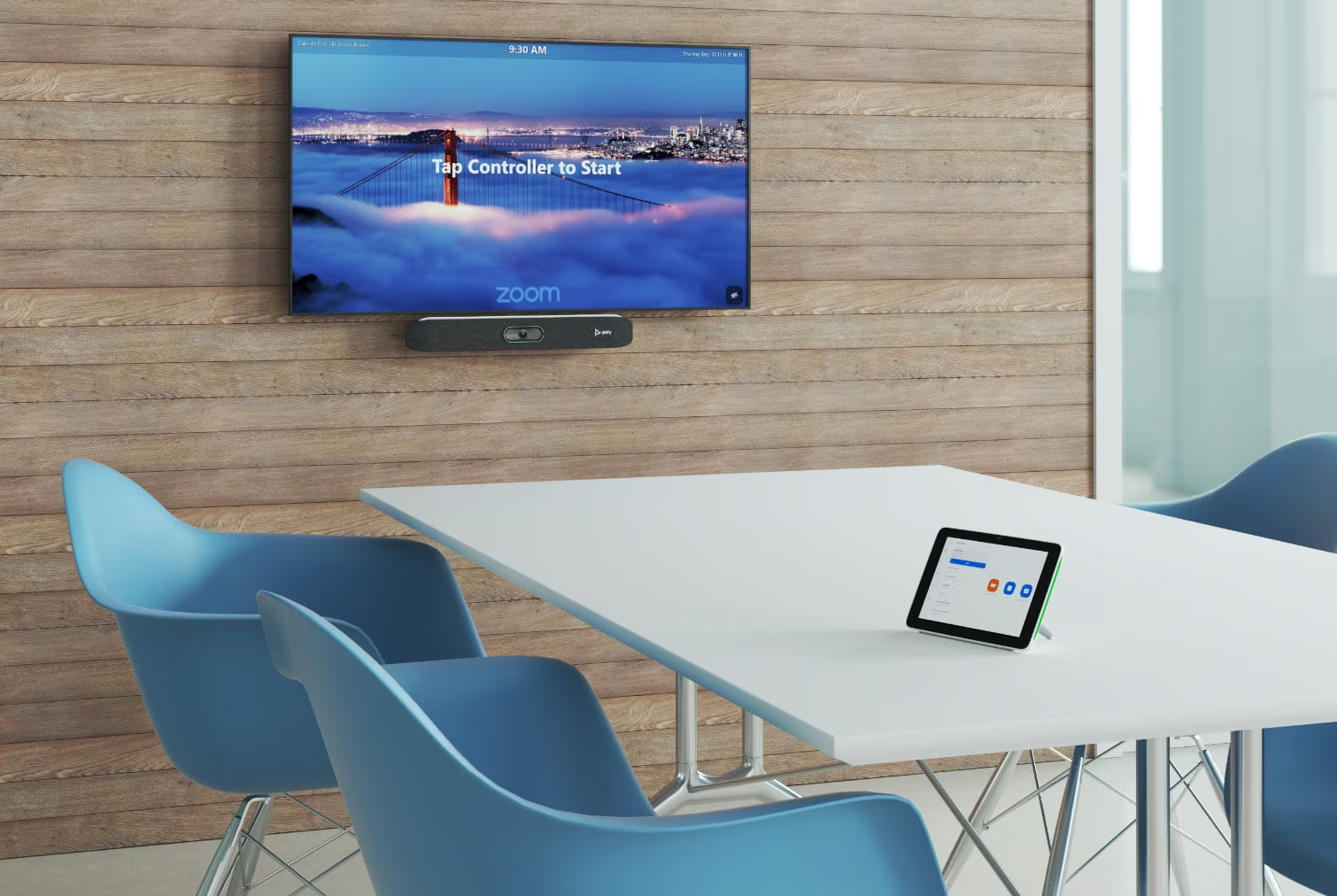
Android-based video conferencing rooms are specialized setups that utilize Android devices and software. They are designed to facilitate video meetings in physical conference spaces.
Typically, this involves installing an Android-based video conferencing platform on the device, for example Microsoft Teams or Zoom video conferencing, or another. Using this Android device, you can manage cameras, microphones, monitors and other video and audio equipment.
If you already have an audio or video equipment in the room, android-based systems can work with the existing environment and our team helps you to integrate and connect everything.
The dedicated device in your Android-based meeting room is a standalone unit, either a tablet or system-on-a-chip (SoC). We can mount this system near the conference room’s entrance or integrate it into the room’s equipment.
Overall, it means you have the Android-based system that serves as the primary device for running meetings in the room.
You can’t usually control your meeting room with a laptop. It’s possible to use the laptop in conjunction with the room system, like: join a meeting on your laptop and then add the room system to the call.
Another option can be sharing content from your laptop to the room display. Here, depending on the room setup, you do it by connecting to the appropriate cable or by casting wirelessly.
Android-based solutions often come as all-in-one devices, in other words all-in-one videobars. That integrate the software, hardware, and cloud service connections into a single unit.
The main advantage of all-in-one (SoC) solutions is that they eliminate the need for separate components like dedicated PCs, cameras, and audio systems. This solution is optimal for small and medium sized meeting rooms.
Android-based meetings rooms have straightforward, plug-and-play installation. Additionally, the Android interface provides a familiar, touch-friendly user experience that enables participants to join, leave, or control meetings with ease.
If you need to monitor and manage remotely your conference room setup, you can do it any time without being physically present in the room.
When you need a flexible environment for both in-person and remote participants, our team offers a hybrid meeting option with BYOM (Bring Your Own Meeting). The Android-powered system serves as a central control hub, managing audio, video, and conferencing tools. You can connect your own device to the room’s equipment via Bluetooth, a wireless presentation and collaboration system, or an app.
There are various wireless presentation solutions available, depending on your meeting room setup. Most systems are designed to work with popular conferencing platforms such as Zoom, Microsoft Teams, and Google Meet. Even so, it’s important to consider compatibility with the other room equipment. For this aspect, you can rely on our expertise.
The majority of Android-based meeting solutions are often available in videobars forms with built-in microphones and cameras. These integrated solutions are mostly designed for small and small and medium-sized meeting rooms. Nevertheless, Android systems can also come in mini-PC form factors that use external AV accessories. It means that these devices are generally more flexible and can support almost any room size.
Would you like to explore other meeting room systems? You can check out our audiovisual solutions or easily contact us for a professional consultation with one of our experts.

Please fill out the form below and we will contact you as soon as possible.