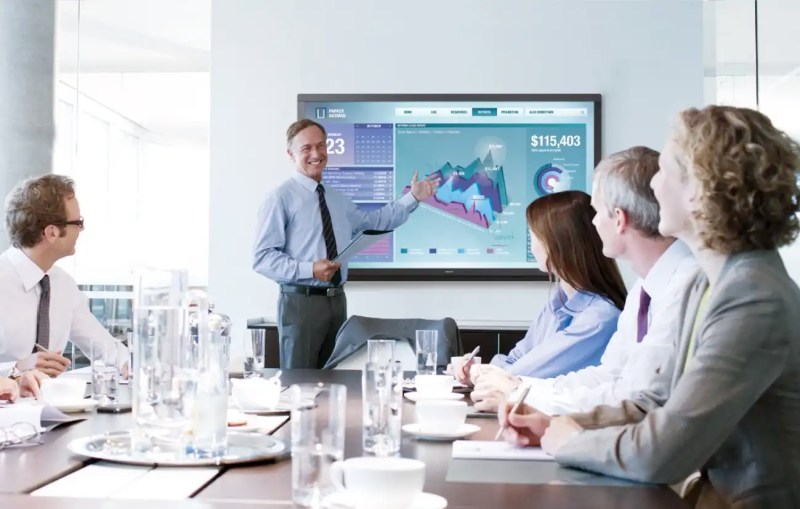
Audiovisual resources play a crucial role in the smart design of various spaces, such as huddle rooms and meeting rooms. Using the right equipment makes spaces flexible, allowing them to be used for different purposes.
Audiovisuele middelen spelen een belangrijke rol bij het slim inrichten van verschillende ruimtes, zoals huddle rooms en vergaderruimtes. Het inzetten van de juiste apparatuur maakt ruimtes flexibel, waardoor deze voor verschillende doeleinden kan worden gebruikt.
Role of audiovisual equipment Multifunctional Rooms
A multifunction room is a versatile professional space designed to accommodate different uses according to the organization’s needs.
It can be configured for meetings, training sessions, presentations, collaborative workshops, videoconferences, or internal events.
Its layout is generally modular (mobile furniture, audiovisual equipment, connectivity solutions) to allow for quick adaptation to the formats and objectives of the activities taking place there.
Collaborate, take notes, present, and share information. A touchscreen on the wall or a mobile trolley ensures interaction between participants. We supply touchscreens up to 100 inches.
Special solutions Your screen can be mounted on a wall or on a trolley and possibly rotated. A screen mounted on a trolley lets you move your meeting anywhere: an interactive activity in an open space, a small room without a screen. Take your meeting with you.
With a wireless presentation system such as Barco Clickshare, Crestron Airmedia, Airtame, or Screenbeam, a presentation starts with just one click, allowing the meeting to begin.
Central control In addition to the ability to share your screen wirelessly, it is also possible to wirelessly use the available videoconference equipment. Connect to the screen, camera, microphone, and speakers in the room with one click.
Ensure that everyone in your meeting room is clearly visible and audible during an online meeting. Work with an all-in-one video conference bar or with separate cameras, microphones, and speakers. A well-thought-out setup of audiovisual equipment promotes seamless communication. Make online video conferencing easy.
Dedicated room or BYOM You can choose a Dedicated Room, such as a Microsoft Teams Room or Zoom Room. This allows you to start a meeting with just one click without needing your own laptop. You can also opt for a BYOM (Bring Your Own Meeting) solution, where employees can easily connect their own laptop and start a meeting platform independently.
We offer various solutions that make it possible to stream presentations live, for example. This can be done via Microsoft Teams or another platform. Ensure that the speaker is perfectly visible and audible to people at home. Place viewing screens on the ceiling, for instance, so the speaker can interact with the participants.
Combination with video conference solution Do you want the possibility of streaming in the same room where video conference meetings are held? We can equip the space with various cameras and necessary tools. Easily switch from camera or microphone using the available room control. This allows you to give a standing presentation one moment and conduct a seated online meeting the next.
Your multifunction room with the expertise of 2Orange
The 2Orange team specializes in expertly furnishing various spaces and implementing high-quality audiovisual resources. Whether it’s office environments, meeting rooms, or events, 2Orange understands the importance of a well-thought-out room layout. This ensures you receive professional guidance and expert service.